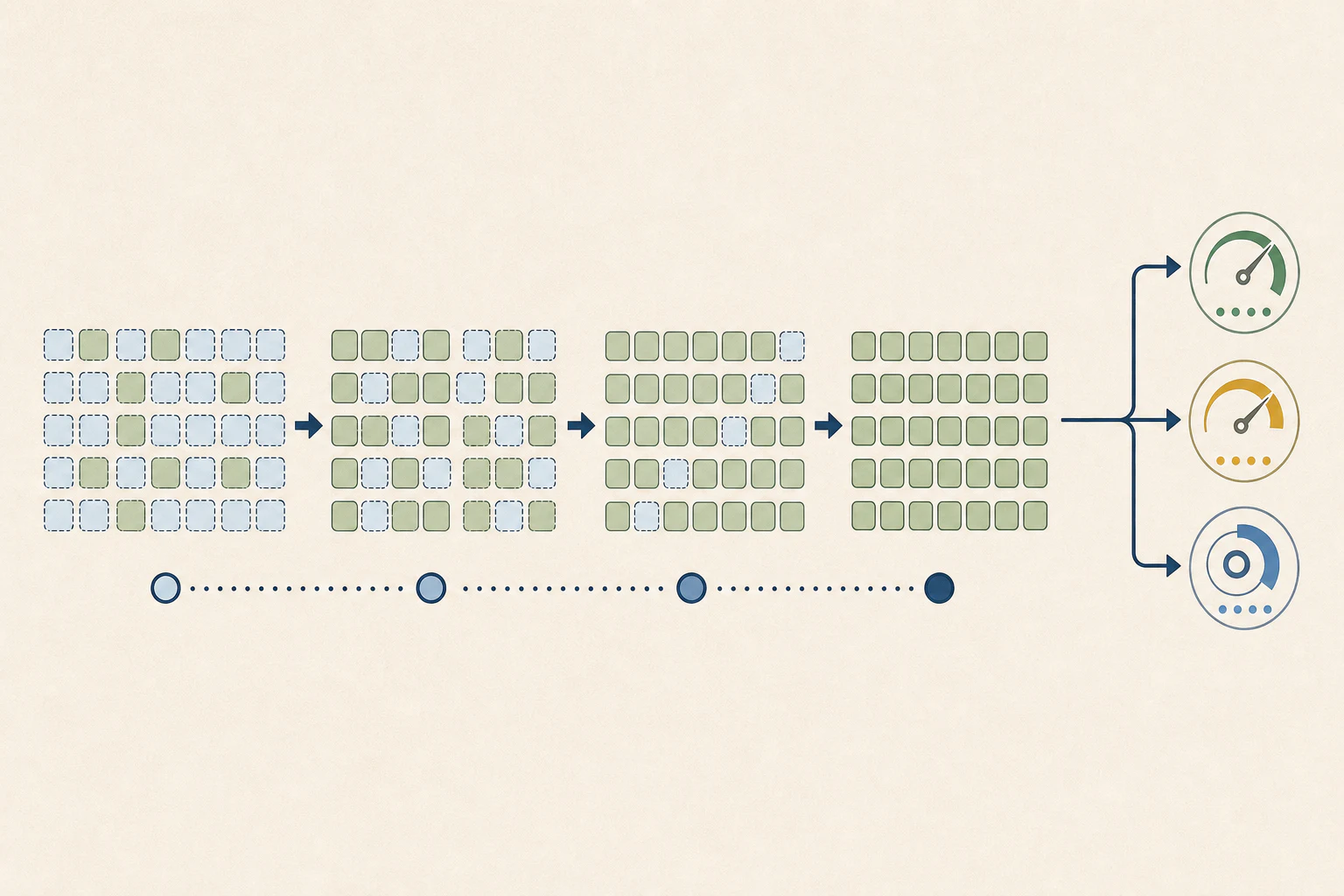
Unlike autoregressive (AR) models that generate left-to-right, diffusion LLMs (dLLMs) denoise in parallel. That bidirectional process lacks a natural stop signal, so outputs can trail into extra prose, malformed markdown, or boundary bleed. As a result, AR-style evaluation loops often penalize correct logic in coding tasks. The pipeline below isolates a dLLM’s true reasoning from denoising artifacts so metrics reflect capability, not formatting noise.
1. The Four-Stage dLLM Evaluation Pipeline
To evaluate a dLLM reliably, split the system into four phases. Avoid the naive pattern of model.generate() + string matching.
flowchart TD
    subgraph Phase1["Phase 1: Data Prep"]
        direction LR
        A[(Dataset)] --> B[Prompt Formatting]
        B -.-> |Base: Raw Code| C
        B -.-> |Instruct: Chat Template| C
    end

    subgraph Phase2["Phase 2: Diffusion Engine"]
        direction LR
        C{Custom dLLM Sampler} -->|Parallel Decoding| D((Iterative Denoising))
        D --> E[Raw Output String]
    end

    subgraph Phase3["Phase 3: Extraction"]
        direction LR
        E --> F{Sanitization}
        F -->|"AST parsing (tree-sitter)"| G[Pure Code]
        F -->|Regex / Heuristics| H[Clean Text]
    end

    subgraph Phase4["Phase 4: Execution"]
        direction LR
        G --> I[Secure Sandbox / Unit Tests]
        H --> J[LLM-as-a-Judge / Exact Match]
        I --> K(("Metrics: AUP, TPF, Pass@k"))
        J --> K
    end

    %% Styling
    classDef data fill:#eef2f6,stroke:#8795a8,color:#263451,rx:8px,ry:8px
    classDef engine fill:#f1eef5,stroke:#978aa7,color:#263451,rx:8px,ry:8px
    classDef extract fill:#edf4f4,stroke:#7f9999,color:#263451,rx:8px,ry:8px
    classDef exec fill:#eff3ec,stroke:#8a9a7e,color:#263451,rx:8px,ry:8px

    class A,B data
    class C,D,E engine
    class F,G,H extract
class I,J,K execThe Logical Flow
- Data prep (load): Route datasets based on training. Base models receive raw headers (e.g.,
def fibonacci(n):); instruct models require chat templates. - Diffusion engine (generate): Pass the prompt to your masked diffusion sampler (e.g., block-wise diffusion). Apply caching and confidence thresholds (e.g.,
threshold=1.0). - Extraction (sanitize): Because dLLMs update tokens globally, they often append conversational prose after the correct answer. This phase isolates valid logic.
- Execution (post-eval): Execute sanitized code against augmented unit tests or score text with strict metrics.
2. Choosing the Right Evaluation Framework
In dLLM research, generative accuracy is the primary metric. AR-centric metrics like perplexity or loglikelihood_rolling do not map cleanly to diffusion trajectories. Two frameworks dominate, chosen by task type.
flowchart TD
    Start((Start Evaluation)) --> Q{What is the Target Task?}

    Q -->|Math, NLP, Instruct Chat| LM[lm_eval Harness]
    Q -->|Strict Code Generation| EP[EvalPlus Framework]

    subgraph LMEval["EleutherAI: lm_eval"]
        direction TB
        L1(YAML Task Configs) --> L2(Chat Template Injection)
        L2 --> L3(Internal Regex Extraction)
        L3 --> L4(Exact Match / CoT Scoring)
    end

    subgraph EvalPlus["EvalPlus"]
        direction TB
        E1(Raw Code Completion) --> E2(Tree-Sitter AST Parser)
        E2 --> E3(Secure Docker Sandbox)
        E3 --> E4(100x Augmented Unit Tests)
    end

    LM --> Result(((Final Score)))
    EP --> Result

    %% Styling
    classDef decision fill:#faf4e8,stroke:#b99a61,color:#263451,rx:8px,ry:8px,stroke-width:2px
    classDef framework fill:#eef2f6,stroke:#8795a8,color:#263451,rx:10px,ry:10px
    classDef step fill:#f8f7f3,stroke:#c8ced8,color:#263451,rx:6px,ry:6px

    class Q decision
    class LM,EP framework
class L1,L2,L3,L4,E1,E2,E3,E4 step2.1 lm_eval (Generalist & Chat Framework)
- Best for: GSM8K, MATH, IFEval, and instruct-tuned models (e.g., LLaDA-Instruct).
- How it works: Modular YAML tasks with optional chat formatting via
--apply_chat_template. - dLLM integration: Write a wrapper (e.g.,
eval_llada.py) that subclasses Hugging FaceAutoModeland monkey-patches.generate()with your diffusion sampler.
2.2 EvalPlus (Code Execution Sandbox)
- Best for: HumanEval, MBPP, and evaluating base (non-instruct) models.
- AST advantage: EvalPlus uses
tree-sitterto locate valid code even if the model appends text like “Hope this helps!”. - Sandbox: Executes against
HumanEval+with 100x augmented unit tests.
3. Navigating Dataset Nomenclature
Dataset suffixes are easy to mix up. Here is the typical lm_eval terminology:
- Base dataset (
humaneval/mbpp): Prompt is a function signature + docstring. Tests code completion. - Instruct variant (
humaneval_instruct/mbpp_instruct): Prompts are framed as assistant instructions. Tests function generation. _64variant (Pass@k): Forces 64 trajectories; if any pass, the score is 1.0. Tests raw algorithmic capability._plusvariant (EvalPlus): Adds mutation fuzzing for hundreds of hidden edge-case tests.
[!WARNING] The “double-wrap” trap: if you load an instruct dataset and pass
--apply_chat_template, you wrap instructions twice. This breaks diffusion models’ bidirectional context and can tank accuracy.
4. Code Structure & Scalability Best Practices
When building an evaluation suite for experimental models, tightly coupling generation logic with the evaluation framework creates technical debt. Follow these architectural rules:
- Decouple the API: Use a wrapper script. Your main entry point should import the model, apply the custom diffusion sampler via a decorator or
types.MethodType, and expose a standard API that frameworks likelm_evalcan call. - Avoid global system prompts: Do not inject chain-of-thought globally via bash flags. It can boost Math and Code scores but will break strict-formatting benchmarks like IFEval.
- Use custom YAMLs: Copy the dataset YAML locally and embed system instructions directly into
doc_to_textinstead of global flags.
5. Prompting Pitfalls (The Chat Template Trap)
The most common cause of irreproducible dLLM baselines is prompt misalignment.
- Base models (code completion): Use the base dataset (e.g.,
humaneval). Feed the model the exact function signature. Do not apply a chat template. - Instruct models (function generation): Apply
--apply_chat_template. The model behaves as a chatbot and writes the function from scratch.
[!WARNING] If you use an instruct dataset and pass
--apply_chat_template, you double-wrap the prompt and distort attention patterns.